
NeuroFlow offers great video content on a wide range of topics!
How To Access Videos
1. Open your NeuroFlow app and head to the "Activities" tab
2. Once you open up the activities page, select on the "Videos" tile

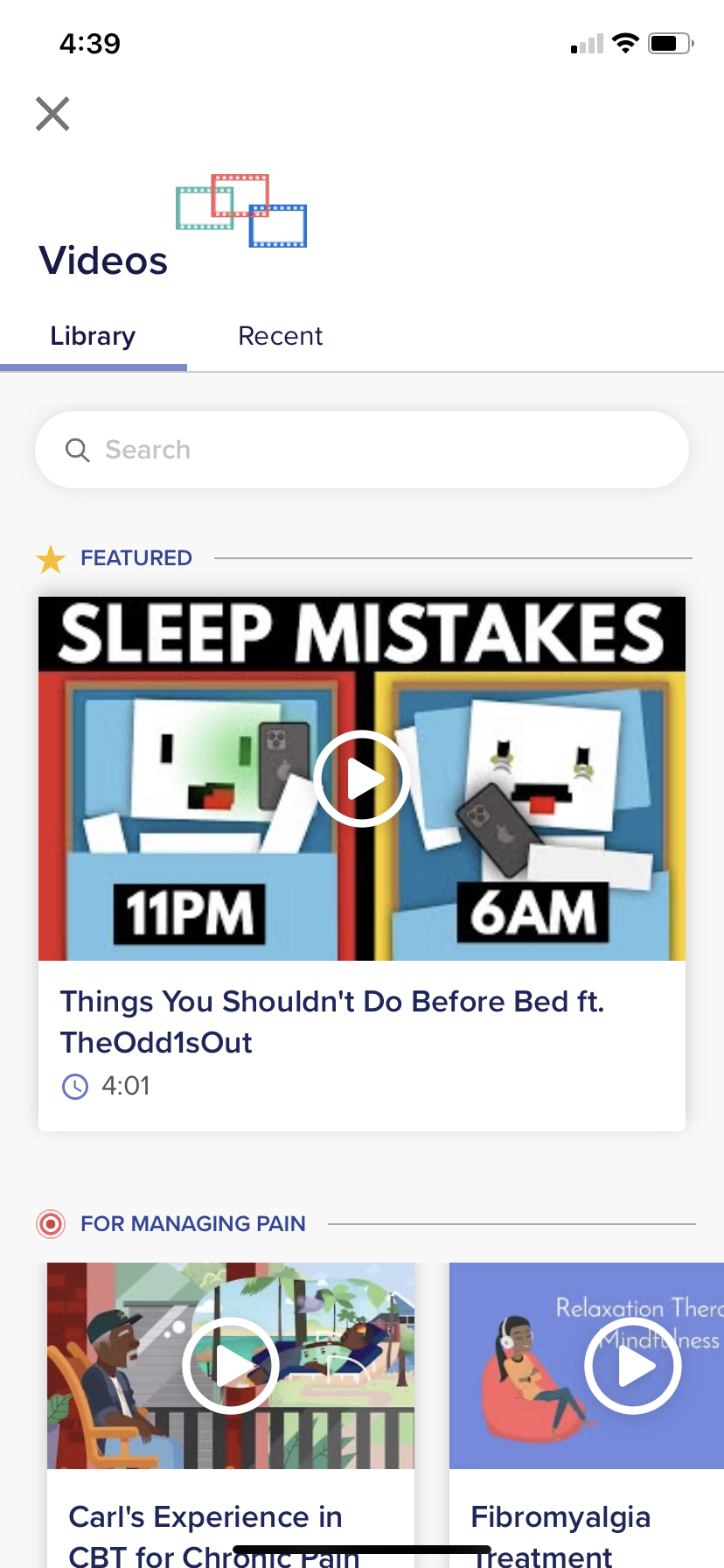
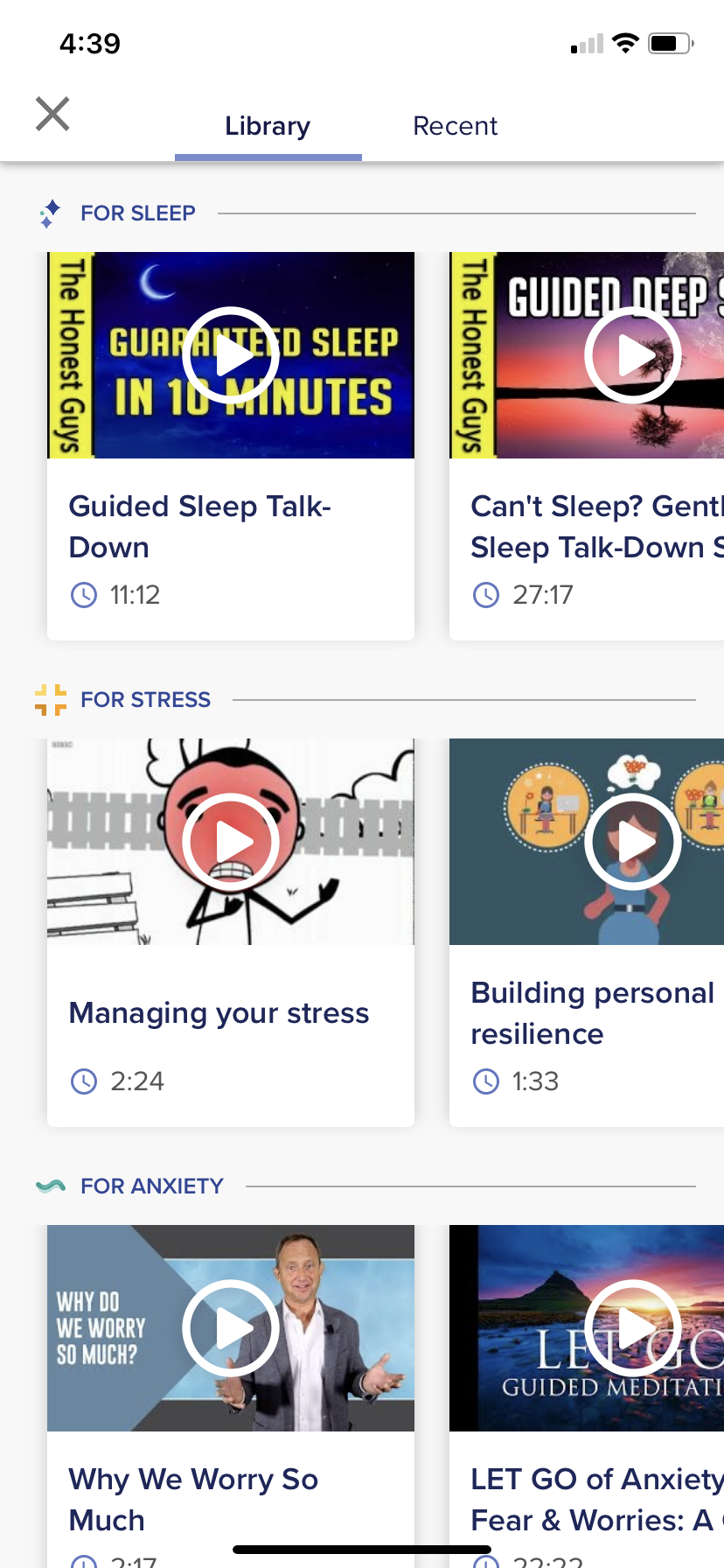
Once you're there, you can see a search bar, a featured video, as well as videos from your To Do list. Feel free to scroll down and discover some other videos that might spark your interest. For example, if you're interested in some videos about sleep, just head over to the Sleep section and do some exploring!
For any questions about videos, please reach out to support@neuroflow.com.
Comments
0 comments
Article is closed for comments.