
Our NeuroFlow app is compatible with iPhone iOS Version 10.0 and Android Version 6.0.0. Read more about the minimum requirements for devices here.
TouchID/FaceID Setup for iPhones:
1. Go to Settings on your iPhone device

2. Select TouchID & Passcode or FaceID & Passcode. Enter your passcode.
NOTE: This will depend on which model of the iPhone you have.

3. Click Add a Fingerprint and the next screen will prompt you to place your finger to setup TouchID

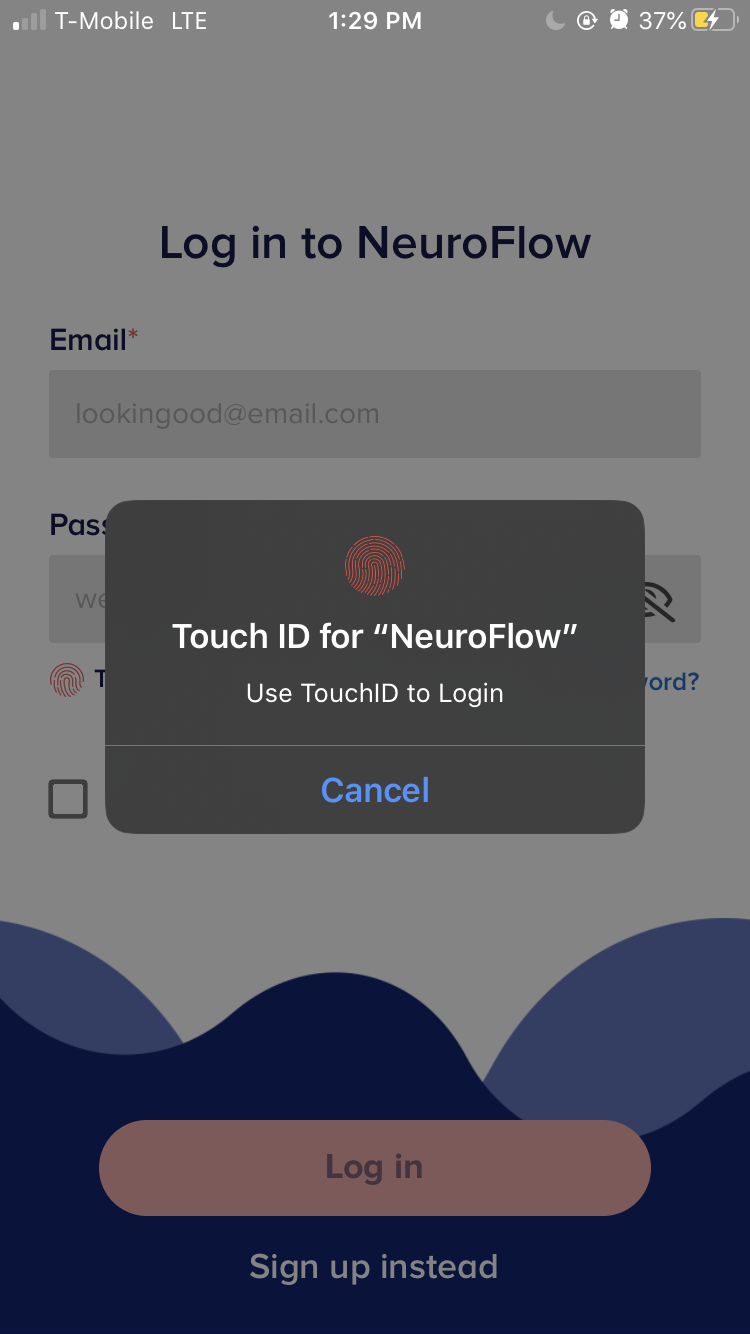
4. Open your NeuroFlow app on your iPhone. You are now ready to log in using your TouchID.
TouchID for Androids:
1. Go to Settings on your Android device

2. Select Set Up. Enter your passcode.

3. Find the Sensor to add your fingerprint. You will see Fingerprint added! once the step is completed.


4. Open your NeuroFlow app on your Android phone. You are now ready to log in using your TouchID.
For any questions, please reach out to support@neuroflow.com.
Comments
0 comments
Article is closed for comments.