
If you're having trouble watching videos, we recommend a few possible solutions:
1. Check your wifi connection to ensure internet connectivity
2. Watch the videos online through our web platform - Go to neuroflowlive.com and login with your normal credentials (we recommend using Google Chrome or Firefox).
3. Choose lower video quality - click Settings 
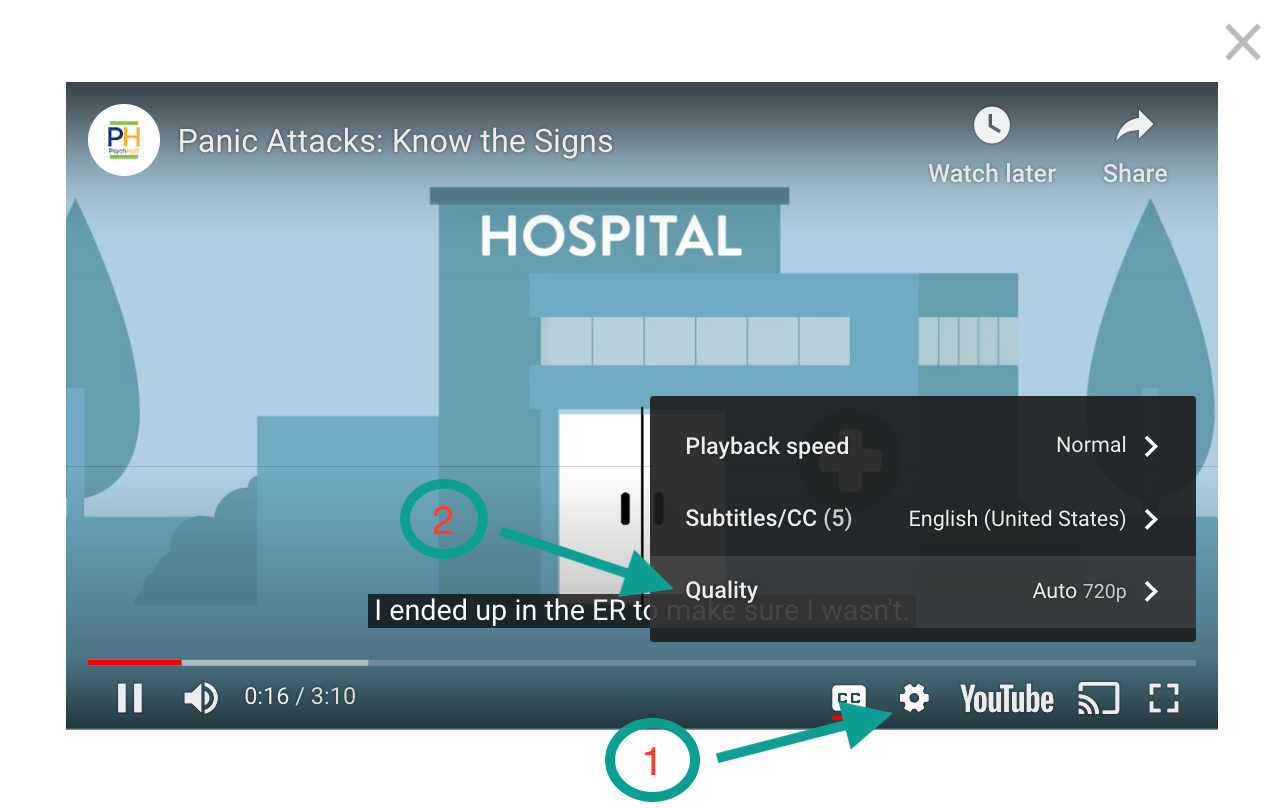
4. Start and Pause - start the video and then click the Pause button immediately. Let the gray video progress bar load a bit before clicking Play again.
If you're unable to access a video (ex. video settings are set to private), please reach out to support@neuroflow.com with the name of the video.
Comments
0 comments
Article is closed for comments.